Choosing the right POS system in 2025 is crucial for your business success. We’ve tested and compared the top point-of-sale systems to help you find the perfect fit for your needs and budget.
Top 10 POS Systems for 2025
| Rank | POS System | Rating | Best For | Starting Price |
|---|---|---|---|---|
| 1 | Square | 4.8/5 | Small retail & services | $0/mo |
| 2 | Toast | 4.7/5 | Restaurants | $0/mo |
| 3 | Lightspeed Retail | 4.6/5 | Multi-location retail | $69/mo |
| 4 | Shopify POS | 4.6/5 | Omnichannel retail | $29/mo |
| 5 | Helcim | 4.6/5 | B2B & high-volume | $0/mo |
| 6 | Clover | 4.5/5 | Flexible hardware | $14.95/mo |
| 7 | SpotOn | 4.5/5 | Restaurant & retail hybrid | $0/mo |
| 8 | TouchBistro | 4.4/5 | Full-service restaurants | $69/mo |
| 9 | Revel Systems | 4.3/5 | QSR chains & franchises | $99/mo |
| 10 | NCR Aloha | 4.2/5 | Enterprise restaurants | $79/mo |
Best POS by Business Type
Best for Small Retail: Square
Square’s free plan and intuitive interface make it the clear winner for small retailers, boutiques, and pop-up shops. No monthly fees and easy setup get you selling in minutes.
Best for Restaurants: Toast
Toast’s restaurant-specific features—kitchen display systems, tableside ordering, integrated online ordering—make it the top choice for full-service and quick-service restaurants.
Best for Omnichannel: Shopify POS
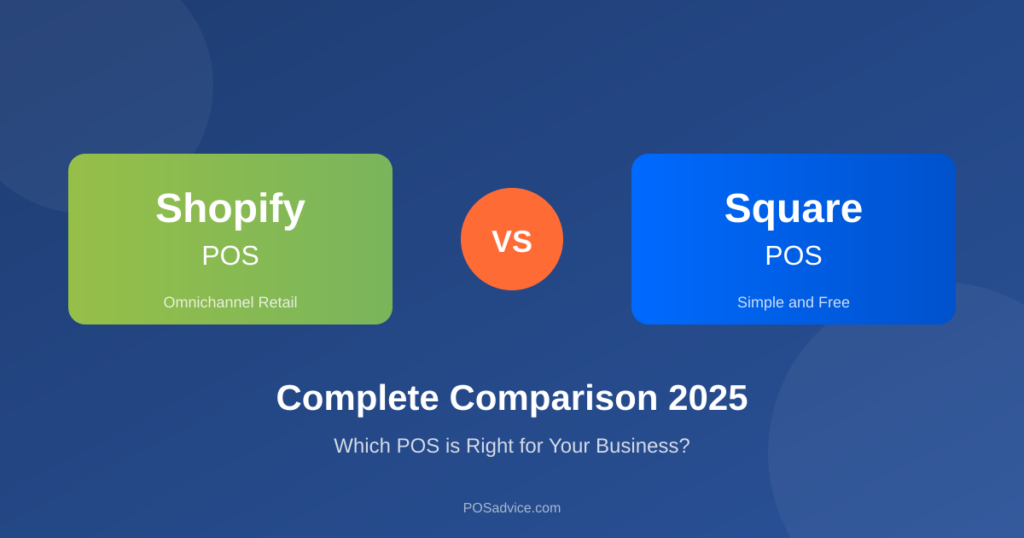
If you sell both online and in-store, Shopify POS offers unmatched integration between your e-commerce store and physical locations.
Best for Multi-Location: Lightspeed
Lightspeed’s advanced inventory management and reporting across locations makes it ideal for retail chains and growing businesses.
How We Ranked These Systems
- Ease of use – How quickly can you get started?
- Features – Does it have what your business needs?
- Pricing – Is it affordable for your size?
- Customer support – Can you get help when needed?
- Integrations – Does it connect with your other tools?
- Reliability – Can you count on it during rush hours?
Get Your Free POS Quote
Not sure which system is right for you? Get personalized recommendations and quotes from multiple providers.
New to POS Systems?
Start with our quick guide for business owners
Get StartedQuick Facts: Retail POS
Expert Tips for Choosing a POS System
Master Inventory Management
Use your POS inventory features to set reorder points, track slow-moving items, and optimize stock levels. Good inventory management can reduce carrying costs by 20-30% while preventing stockouts.
Leverage Customer Data
Your POS collects valuable customer data. Use purchase history for targeted marketing, identify your best customers for VIP programs, and personalize the shopping experience to boost loyalty.
Start with a Free Trial
Never commit to a POS system without testing it first. Most reputable providers offer 14-30 day free trials. Use this time to run real transactions, train your staff, and identify any workflow issues before signing a contract.
Frequently Asked Questions
Omnichannel POS unifies your online and in-store sales into one system. It syncs inventory across channels, provides consistent customer profiles, and enables services like buy-online-pickup-in-store (BOPIS). If you sell both online and in-person, omnichannel capability is essential for efficient operations.
POS inventory management tracks stock in real-time as sales occur. It can set automatic reorder points, generate purchase orders, manage variants (size, color), track suppliers, and provide inventory valuation. Some systems offer barcode scanning for faster receiving and cycle counts.
A cash register simply records sales and stores money. A POS (Point of Sale) system is a comprehensive business management tool that processes payments, tracks inventory, manages employees, generates reports, and integrates with other business software. Modern POS systems provide data-driven insights that help you make better business decisions.
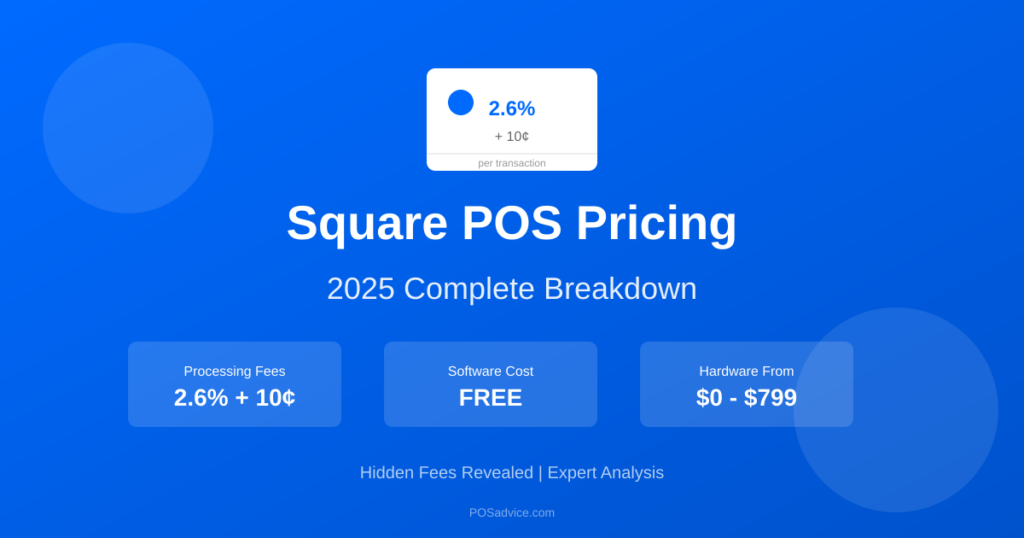
POS costs vary widely. Software ranges from $0-$200+ per month. Hardware costs $500-$2,000 for a basic setup. Payment processing fees are typically 2.3%-2.9% plus $0.10-$0.30 per transaction. Consider the total cost of ownership over 3 years, including add-ons and upgrades.
Compare Top POS Systems
Shopify POS
Lightspeed
Square
Related Resources: